Enjoy your favorite Instagram mod on a bigger screen. Run Honista directly on your desktop or laptop using any standard Android emulator.
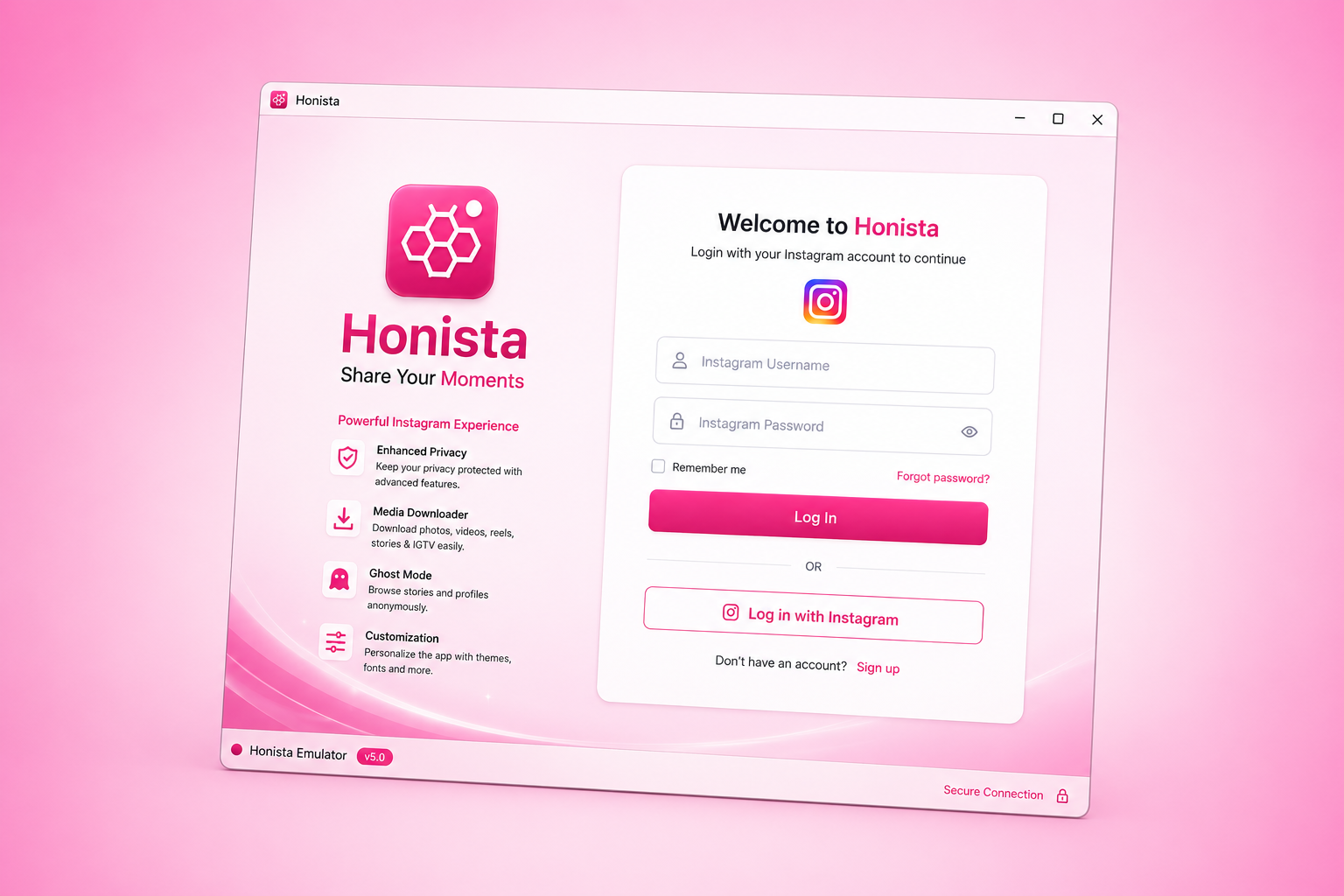
Download and install a trusted emulator on your PC. We recommend BlueStacks or LDPlayer for the smoothest performance.
Click the download button above to save the latest Honista .apk file directly to your computer's downloads folder.
Open your emulator, then drag the downloaded APK file into the emulator window to install it. Once done, simply launch Honista and log in.
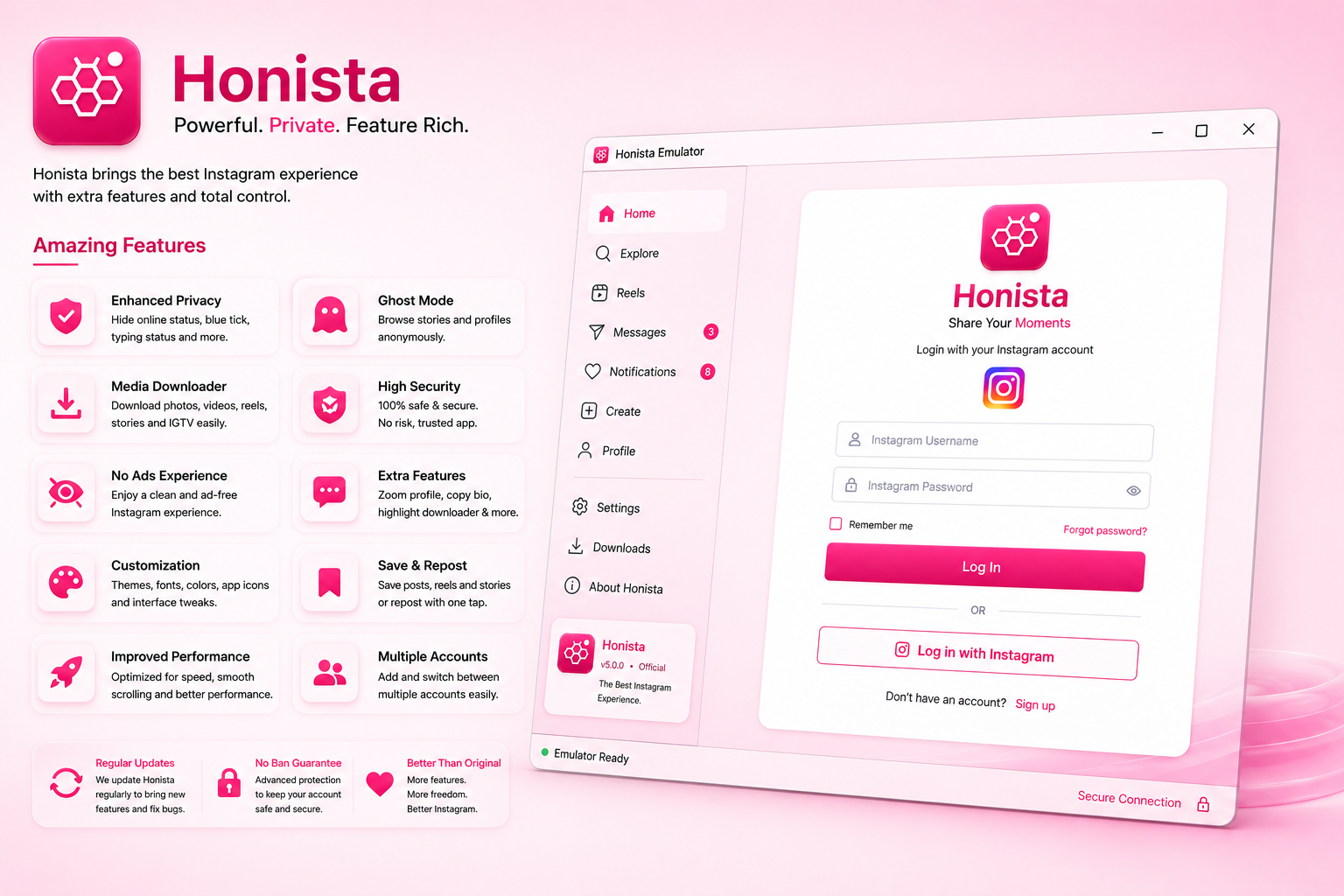
Since Honista runs via an emulator, the performance depends entirely on your PC. Ensure your computer has Virtualization (VT) enabled in the BIOS and at least 4GB of RAM allocated to the emulator to prevent lag or crashing while scrolling through media-heavy feeds.